
MYQRSEARCH Get started
For schools & universities

Lost and found software for schools that ends the end-of-term pile.

Every school knows the ritual: the lost and found bin fills all semester — hoodies, water bottles, calculators, the occasional trombone — then term ends and it becomes a mountain in the front office. Parents email, students shrug, and eventually someone hauls it all to donation. MyQRSearch replaces the bin-and-hope system: staff log found items once, students and parents search online, and the pile never becomes a mountain.

Logged

"Did anyone turn in a…?" — asked forty times a week.

Lost property at a school isn't one problem, it's a stream: the gym, the cafeteria, the bus loop, every classroom. It all funnels to a front office that has actual work to do. The office answers the same question dozens of times a week — by email, by phone, at the window — and the answer is usually "come dig through the bin." Meanwhile parents are out real money replacing coats and devices that were sitting in that bin the whole time.
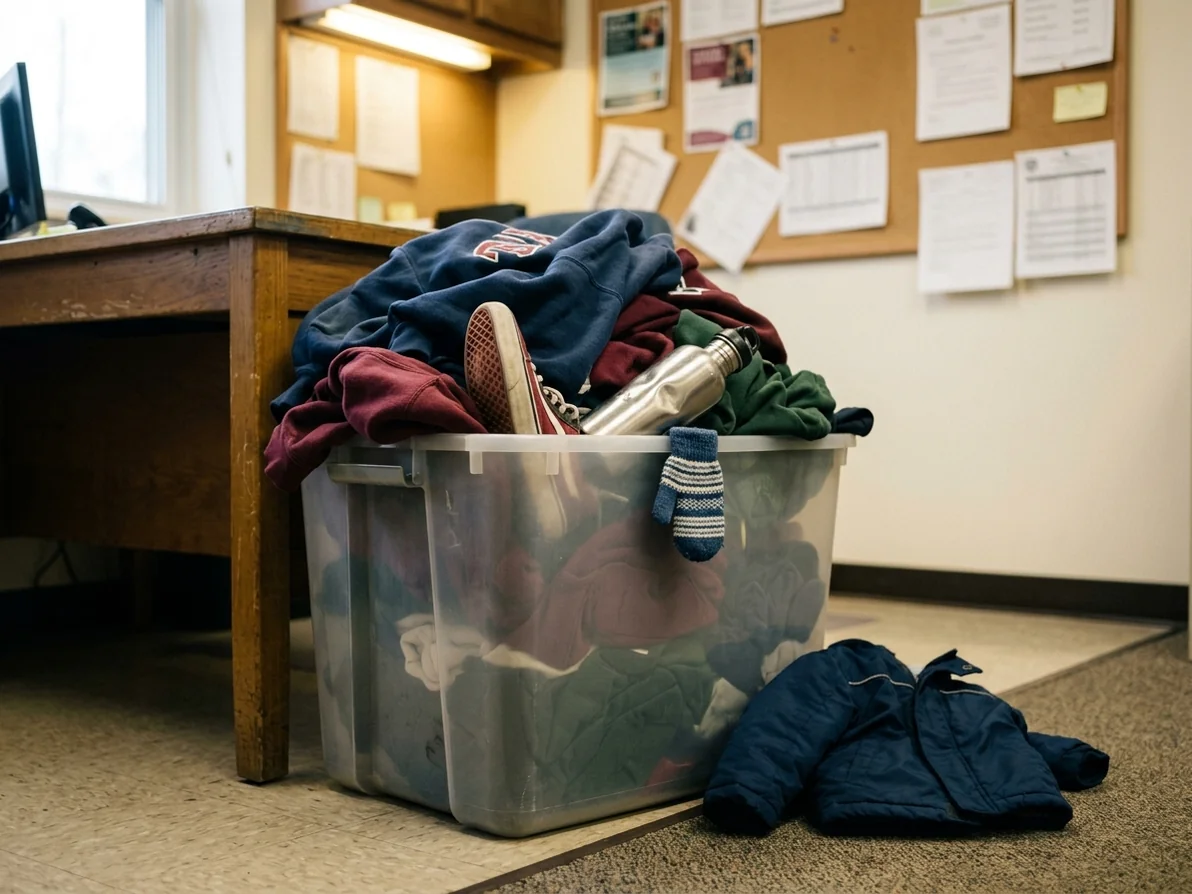
Overflowing school lost and found bin of unclaimed clothing
How it works

From hallway to home, in three steps.
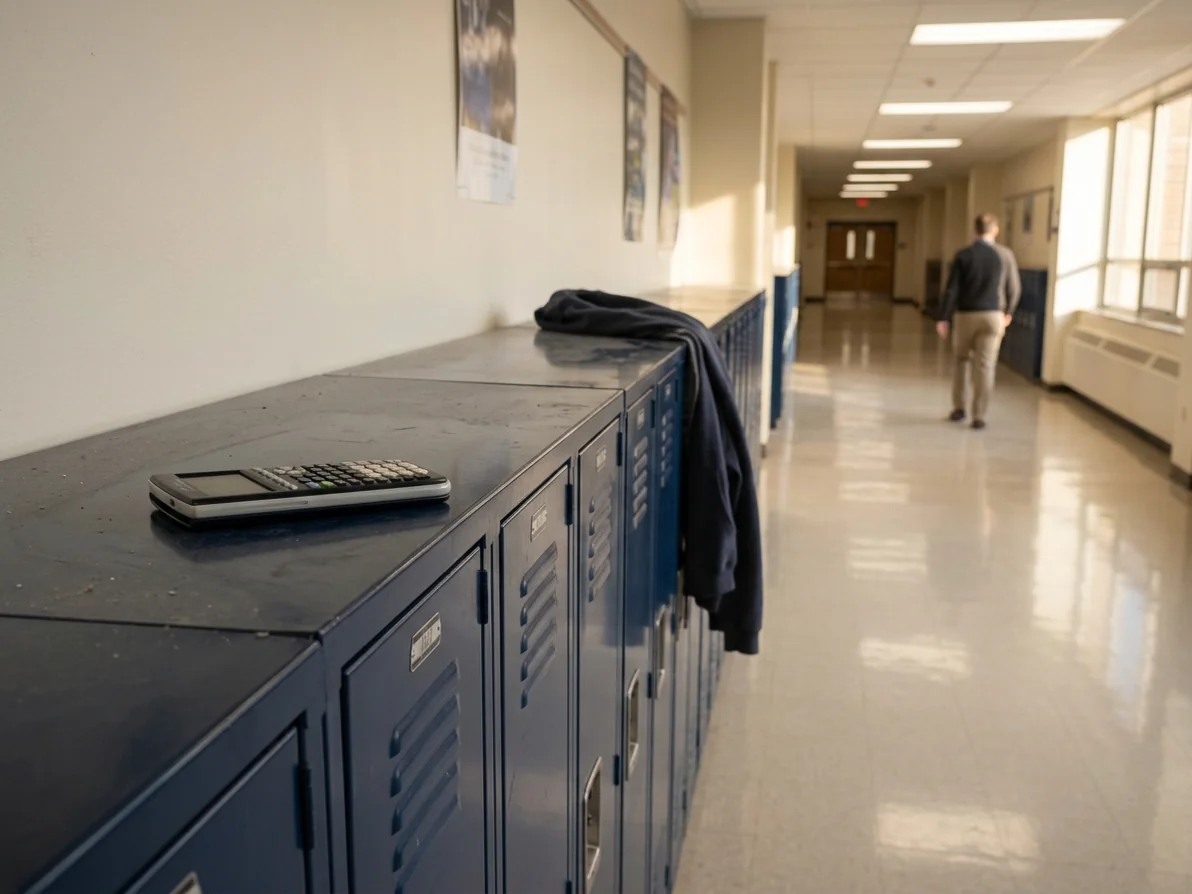
1 Any staff member logs the find. A custodian finds a jacket in the gym; a teacher collects a calculator after class. Whoever finds it logs it in seconds from a phone or the office computer — photo, category, where it was found. Front office, facilities, athletics: each department can have its own agent login.
2 Students and parents search from home. Your school's found items are searchable on your public MyQRSearch page. The "did anyone find…?" email becomes a link in your newsletter and on your website: check the lost and found online. Parents search at 9pm from the couch instead of emailing the office at 8am.
3 Claim at the office, verified. The student or parent contacts the school through the platform or comes to the office, describes the item, and collects it. The office marks it returned. At term's end, what's left is a short, documented list — not an archaeology project.
School hallway lockers where lost items are found

Built for front offices, not IT departments.

No procurement drama.Free to start, browser-based, nothing to install.
Safeguarding-friendly by design.No student data is required to log an item, and contact details are never published. Communication runs through the platform.
Every department, one system.Athletics, transportation, and the main office log into one shared campus record.
End-of-term amnesty, documented.When you donate unclaimed items, you have a record of what was held and for how long.
Pricing

Priced for school budgets.

Partner plans start free and scale by listing volume and staff accounts. Current plans are on our How It Works page.

Become a partner location
FAQs

School lost and found FAQs.

Do students or parents need accounts to search?
No. Your school's found-items page is public and free to search. Claiming happens at the office with normal verification — describe the item, collect it.
Does this involve any student personal data?
Logging an item requires no student information — just a photo, category, and location of the find. If your staff choose to note a name on an internal record, that stays internal; nothing personal is published.
Who on staff can log items?
Anyone you give an agent account to: front office, custodial staff, coaches, bus coordinators. Every entry shows who logged it.
What do we do with items nobody claims by end of term?
That's your policy — most schools donate after a posted holding period. MyQRSearch gives you the documentation: what was found, when, and how long it was held before disposal.
Can this work across multiple buildings or campuses?
Yes. Each site can run as its own location with its own QR code and staff accounts, so items are logged where they're found and collected where they were logged.

Retire the bin.

Set up before the semester starts, and this year's lost and found ends with returns, not a donation run.