MYQRSEARCH Get started
For retail & shopping centers

One lost and found for the whole property.

In a shopping center, everything lost eventually funnels to one place: the service desk. Phones from the food court, bags left in fitting rooms, kids' toys from the play area, keys from the parking structure — found by dozens of different tenants and handed to a desk that tracks it all on a clipboard, if at all. MyQRSearch turns that funnel into a system: every handed-in item logged and searchable, every shopper's "did anyone find…?" answered by a link instead of a line.

Logged

Many tenants, one desk, no shared record.

The service desk inherits lost property from every store, but no store knows what the desk holds — and neither do shoppers. So the desk fields walk-ups and calls all day, tenants answer "check with guest services" without knowing the answer, and unclaimed items pile up in a back room until a quarterly purge. Nobody's negligent; there's just no shared record between the people who find things, the desk that keeps them, and the shoppers who want them back.
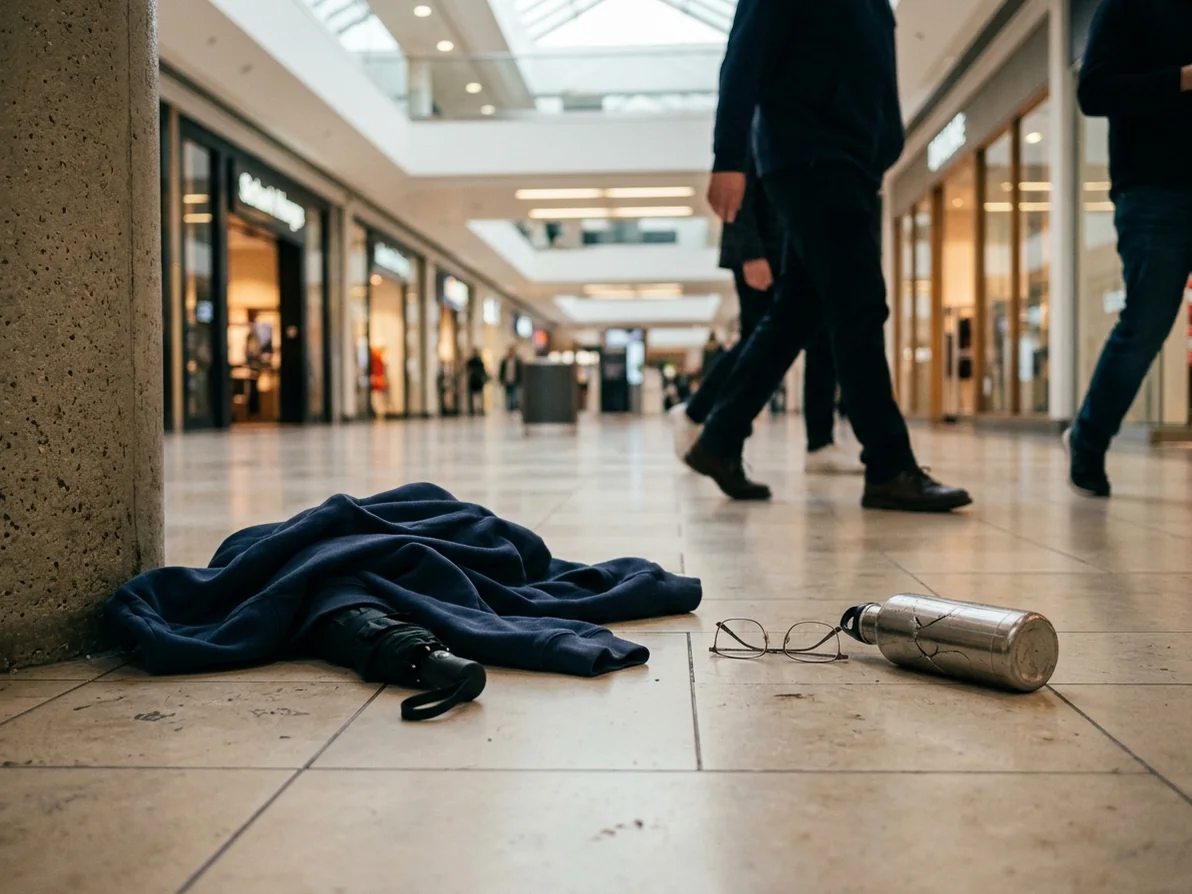
Shopping center floor where shoppers drop and leave belongings
How it works

From hand-in to handed back, in three steps.

1 The desk logs items as they arrive. Guest services logs each handed-in item in seconds: photo, category, where it was found (or which tenant turned it in). Security and cleaning crews can log directly from the floor with their own agent accounts.
2 Shoppers search before they drive back. Your property's found items live on your public MyQRSearch page. Put the link on your website, your app, and a sign at the desk: lost something? check here first. A shopper who left sunglasses in the food court checks from home instead of calling — or driving — back on a maybe.
3 Claims are verified at the desk. The shopper contacts your property through the platform, describes the item, and collects it at guest services with normal verification. The item is marked returned; the back room stays a room, not an archive.

Built for guest services.

Fits desk workflow.Logging is faster than the clipboard it replaces, and the record is searchable by every shift.
Tenants can point, not shrug.Any store can answer "check the property's lost and found page" — and be right.
Shopper privacy protected.Contact runs through the platform; no shopper details are ever published.
Documentation for disposal.When unclaimed items are donated after your posted period, you have the record.
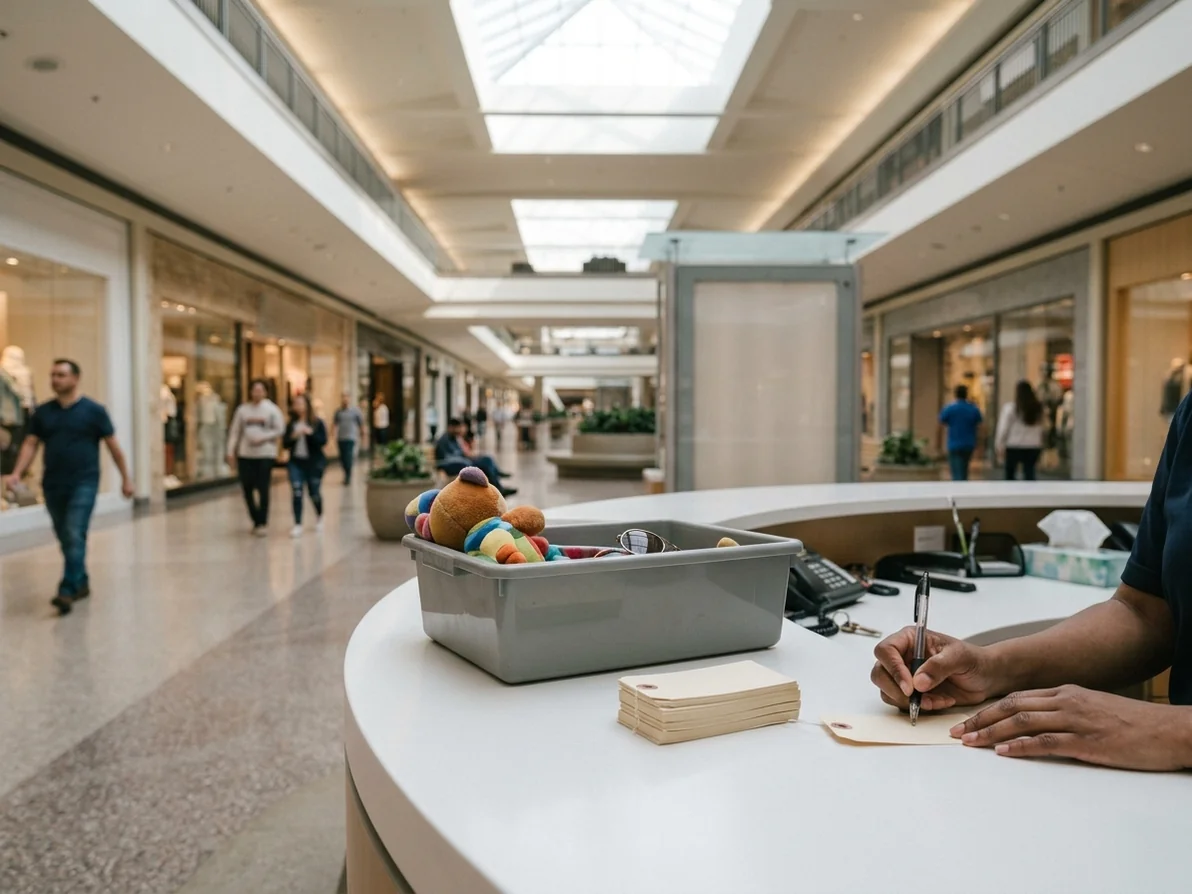
Shopping center guest services desk that handles lost and found
Pricing

One system, one modest line item.

Partner plans start free and scale by listing volume and staff accounts. Current plans are on our How It Works page.

Become a partner location
FAQs

Shopping center lost and found FAQs.

Can individual stores log items, or only the central desk?
Either. Most properties run one location managed by guest services, with agent accounts for security and cleaning. Larger properties can give anchor tenants their own agent logins so items are logged where they're found.
How does this handle high-value items — phones, wallets, IDs?
Log them with a conservative public description ("smartphone, level 2") and keep specifics in the internal record. Claimants verify against details only the owner knows before anything is handed over.
Do shoppers need an account?
No. Your found-items page is public and free to search. Shoppers contact the desk through the platform to claim.
What happens to unclaimed items?
Your policy applies — most properties donate after a posted holding period (around 45 days is common among partner locations). The log gives you a documented trail of what was held and for how long.
We run multiple properties. One account or several?
One location per property, each with its own QR code, staff accounts, and public page — so shoppers search the right building and items never cross-contaminate between sites.

Turn the clipboard into a system.

Guest services can be live this week — and the next "did anyone find…?" gets answered with a link.