MYQRSEARCH Get started
For hotels & hospitality

Hotel lost and found software that clears the back office.

Every checkout leaves something behind: chargers in outlets, jewelry under pillows, laptops in room safes. Lost and found software provider Chargerback estimates over 46 million items are left behind in US hotels every year — and by the time housekeeping finds them, the guest is often already at the airport, or home in another state. MyQRSearch turns your lost and found from a storage-room liability into a guest-service moment: housekeeping logs the item in under a minute, the guest finds it online, and your front desk stops playing detective.

Logged

The lost and found is nobody's job — so it's everybody's problem.

The item comes to the front desk in a plastic bag with a room number scribbled on it. Maybe it gets logged in a notebook; maybe it goes straight to the shelf. Three days later a guest calls from another time zone: "I think I left my charger in room 214?" Now someone is off the desk, digging through a closet, describing chargers over the phone.

Multiply that by every checkout, every season. The real costs add up quietly: front-desk time spent on callbacks and searches, storage space that fills until someone declares an amnesty, guest-satisfaction damage when an item can't be found — the review never says "they lost my charger," it says "don't trust this hotel" — and zero records when a guest claims something valuable vanished, which is exactly when you need documentation most.
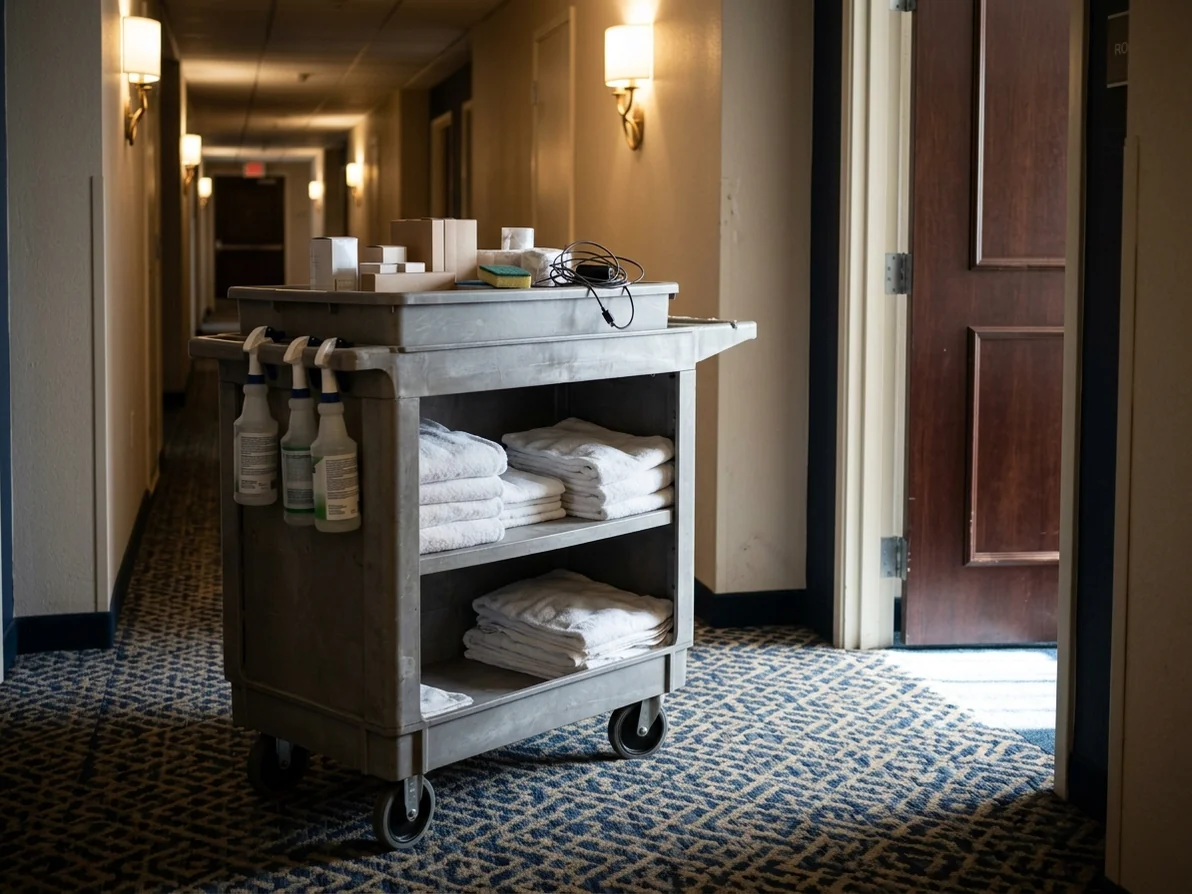
Housekeeping cart in a hotel corridor during room turnover
How it works

From turnover to returned, in three steps.

1 Housekeeping logs the item at turnover. A room attendant finds sunglasses in 214. Instead of bagging them for the front desk to deal with, they log the find on their phone right there: photo, category, room, date. Under a minute, in the flow of the turnover they were already doing. Every attendant can have their own agent login, so you know who logged what.
2 The item is instantly searchable — by your team and by the guest. The item appears in your hotel's inventory and on your public MyQRSearch page. When the guest realizes what's missing — tonight or next week — they search online and find it, instead of calling your desk. When they do call, your front desk searches the log in seconds instead of the closet in minutes.
3 The guest claims, you verify, the shelf clears. The guest contacts your location through the platform — no personal numbers exchanged. Your team verifies ownership (color, case, distinguishing marks), arranges pickup or shipping on your terms, and marks the item returned. You keep a complete record: found, by whom, returned, when.

Built for the pace of hospitality.

No new hardware, no PMS integration project.A browser and a phone. Your location's QR code prints from your dashboard and lives wherever items get handed in.
Staff accounts for every shift.Housekeeping, security, front desk — everyone logs items under your location, with their own login.
Privacy that protects guests and staff.Guest contact details are never published; conversations run through the platform. Pages that could expose an owner's details are kept out of search engines.
A record when it matters.Every found item is timestamped with a photo. When a guest disputes what happened to an item, you have documentation instead of memory.
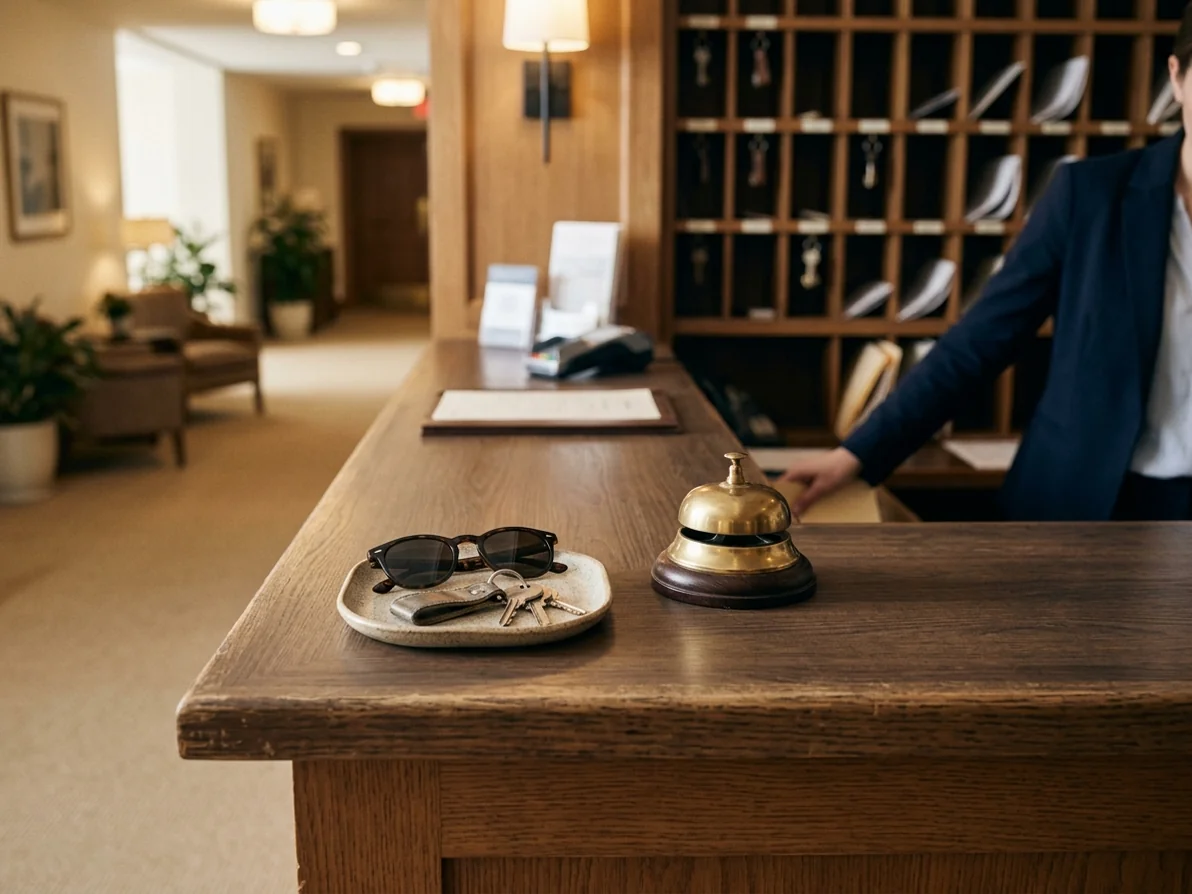
Hotel front desk where found items are handed in
Pricing

Start free. Stay cheap.

Partner plans start free — log found items and appear in the directory without a contract or a card — and scale by listing volume and staff accounts as your property needs. Current plans and prices are on our How It Works page.

Become a partner location
FAQs

Hotel lost and found FAQs.

How is this different from a lost and found spreadsheet or logbook?
A logbook only works for the person holding it. MyQRSearch makes every logged item searchable by your whole team and by the guest — so returns start with the guest finding their own item online, not with your desk fielding calls. And unlike a spreadsheet, every entry has a photo and timestamp.
Can housekeeping log items during room turnover?
Yes — that's the intended flow. Attendants log items from their phones as they find them: photo, category, room, done. It adds seconds to a turnover, not minutes.
Do guests need an account to get their item back?
No. Guests search the public directory free and contact your location through the platform. Ownership is verified when they collect or before you ship.
What about high-value items like passports, jewelry, or laptops?
Log them like anything else, but describe conservatively — the listing can say "jewelry, floor 2" without details that would let a false claimant guess. Verification happens against details only the true owner knows. Your internal record keeps the specifics.
How long should we keep unclaimed items?
Your retention policy is yours; most partner locations hold items around 45 days, and some states have rules for found property. Our state lost & found guides summarize what several states expect.
We're a small property — is this overkill?
The free tier exists exactly for that. If your lost and found is one drawer, MyQRSearch is the drawer with a search box and a paper trail.

Give housekeeping a lost and found they don't hate.

Setup takes minutes once your location is approved. The next thing a guest leaves behind can be the first thing you return in one message instead of five phone calls.